How to Remove Noise from Photos Online (Free AI Denoiser)
Low-light shots, old scans, and over-compressed JPEGs all suffer from grain and noise. Here's how to clean them up in seconds — for free, without Photoshop or Lightroom.
What Causes Noise in Photos?
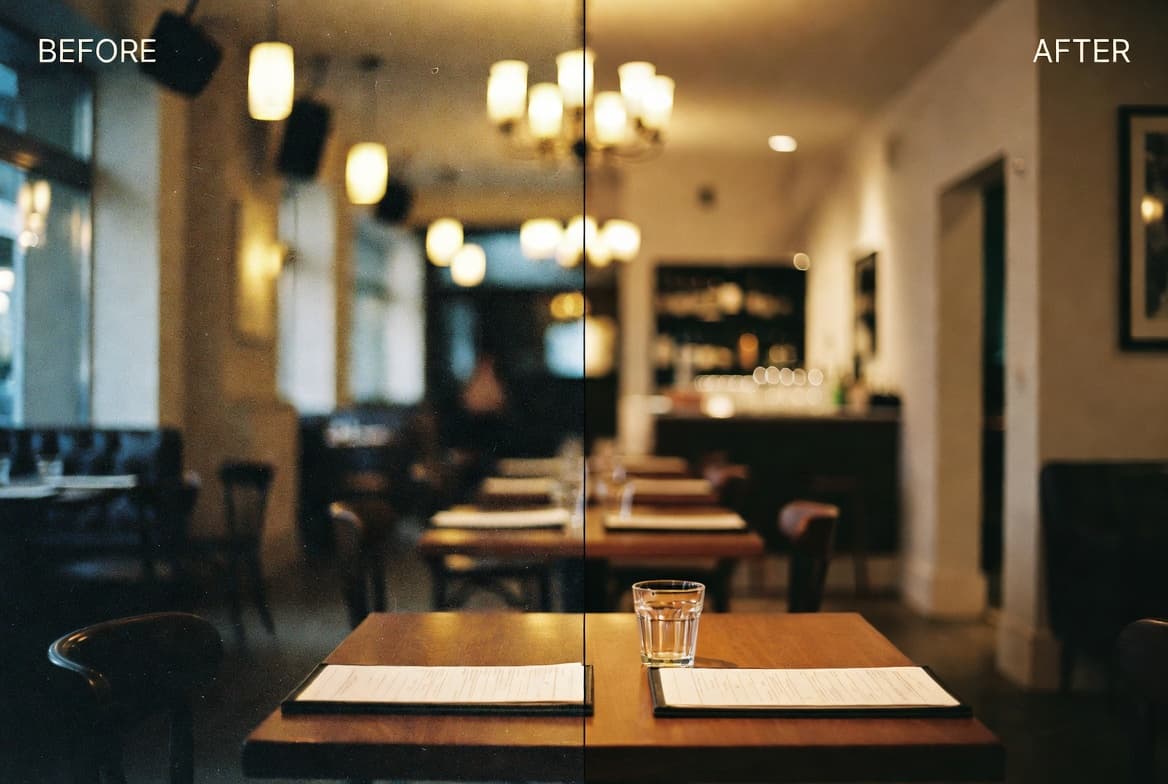
Image noise is the random speckle of bright/dark pixels you see in low-light shots, scanned old prints, and over-compressed JPEGs. It comes from three sources:
- Sensor noise (ISO grain) — when a camera pushes ISO past 1600, individual photosites pick up random electrical fluctuations
- Compression artifacts — JPEG's 8×8 block compression introduces visible chunks around edges, especially after multiple re-saves
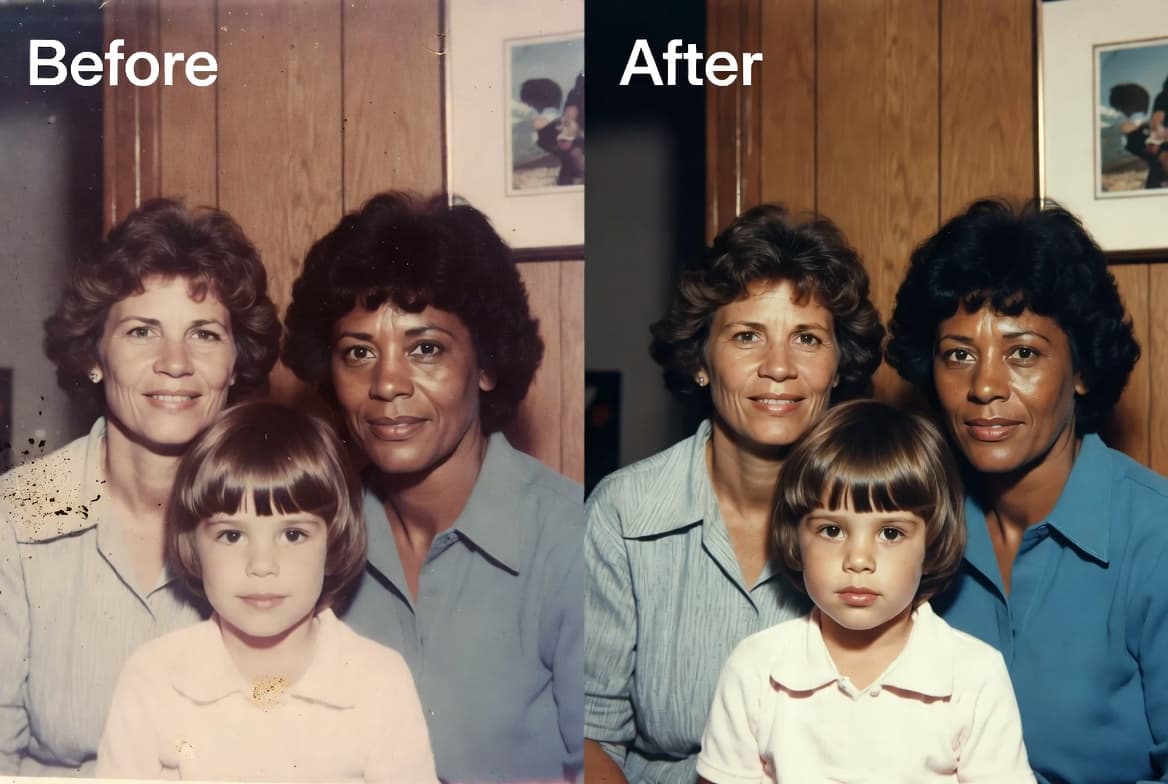
- Scanning grain — old film and printed photos carry physical silver-halide grain that scanners faithfully capture
Three Ways AI Cleans It Up
Modern denoising AI doesn't just blur — it uses neural networks trained on millions of clean/noisy pairs to predict what each pixel should look like. The result keeps edges sharp while smoothing flat areas.
Step-by-Step Guide
- Open BigImg AI Denoiser.
- Drag your photo onto the upload area (JPG, PNG, WebP, AVIF — up to 50 MB).
- Pick a strength preset:
- Low — preserves the most detail, ideal for slightly noisy photos
- Medium (default) — balanced cleanup, works for most cases
- High — aggressive smoothing, for very noisy low-light shots
- Click Denoise. Processing takes 10–20 seconds depending on image size.
- Drag the slider in the result image to compare before/after — you'll see exactly what changed.
- Download the cleaned PNG.
When Denoise Helps Most
- Indoor phone shots taken without flash — denoise + Enhance combo brings them back to usable
- Concert or restaurant photos at high ISO
- Scanned family albums from 80s/90s prints — pair with our upscaler for printable quality
- Forum / chat screenshots that lost detail through repeated JPEG re-saves
- Astro / night sky shots (with caution — high noise levels can erase faint stars; use Low)
When NOT to Denoise
Some "noise" is artistic intent. Skip the denoiser if:
- You shot on film and want the grain look
- The photo is already clean — running denoise will subtly soften edges with no visible benefit
- You need RAW-quality output for pro retouching — load the RAW into Lightroom instead
Why Free?
BigImg's denoiser is free with 10 uses per day, no sign-up. We use the same Real-ESRGAN model many paid tools use, so you're not getting a watered-down version. Heavy users can buy a credit pack from our pricing page — that's how we cover server costs without ads.
Try the AI denoiser now
Free, browser-based, with live before/after slider. No account needed.
Open Denoiser →